 Spreadsheet
Ordering a popular find through Kakobuy, step by step
From a card in the catalogue to a parcel at your door, with the order statuses Kakobuy shows at each stage and the moment in each step where a popular listing needs a second look.
Official text and image order checked on 15 October 2026. These older screenshots illustrate the process: account values, prices, coupons and route lists are not current quotes.
Official step 1 / 8
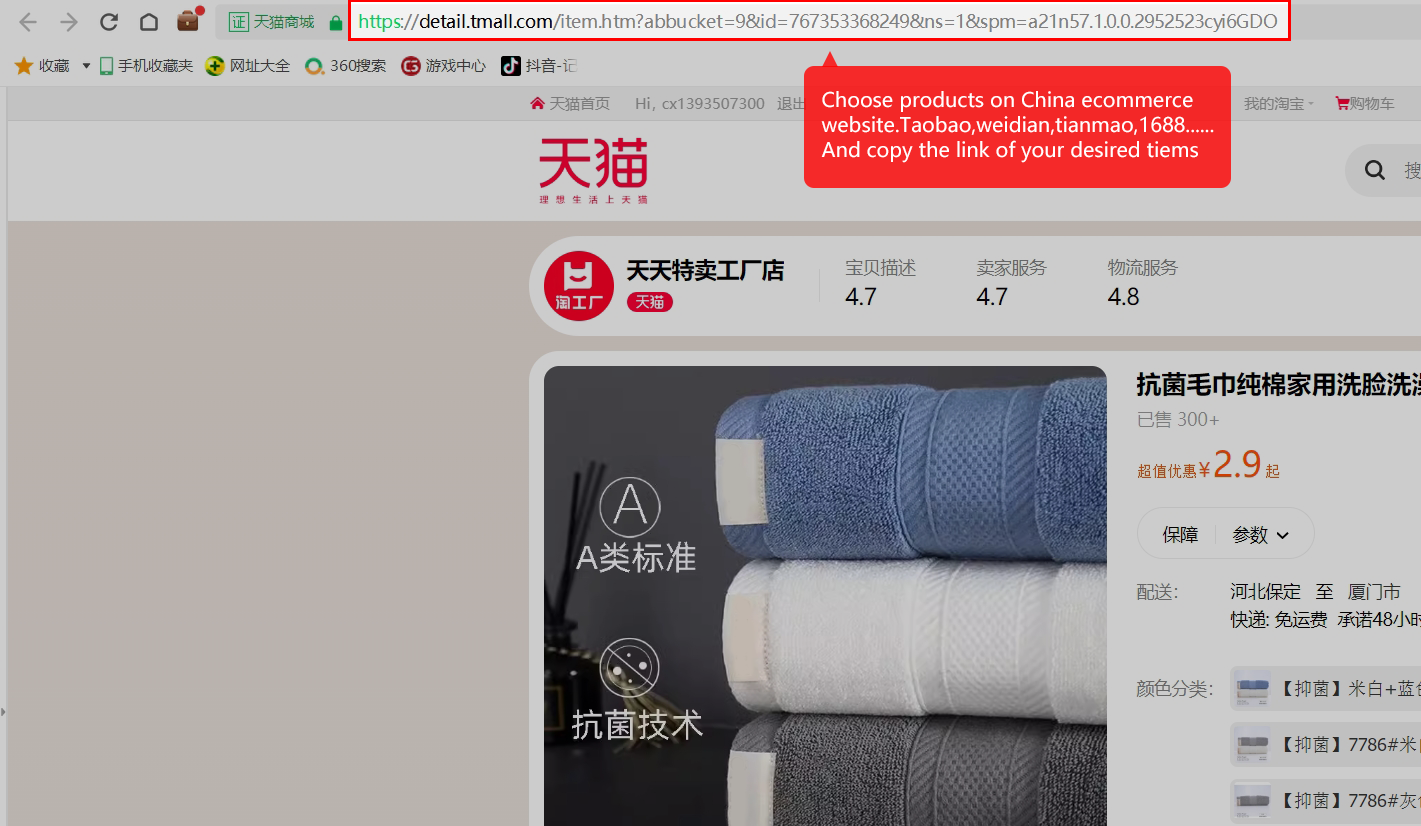
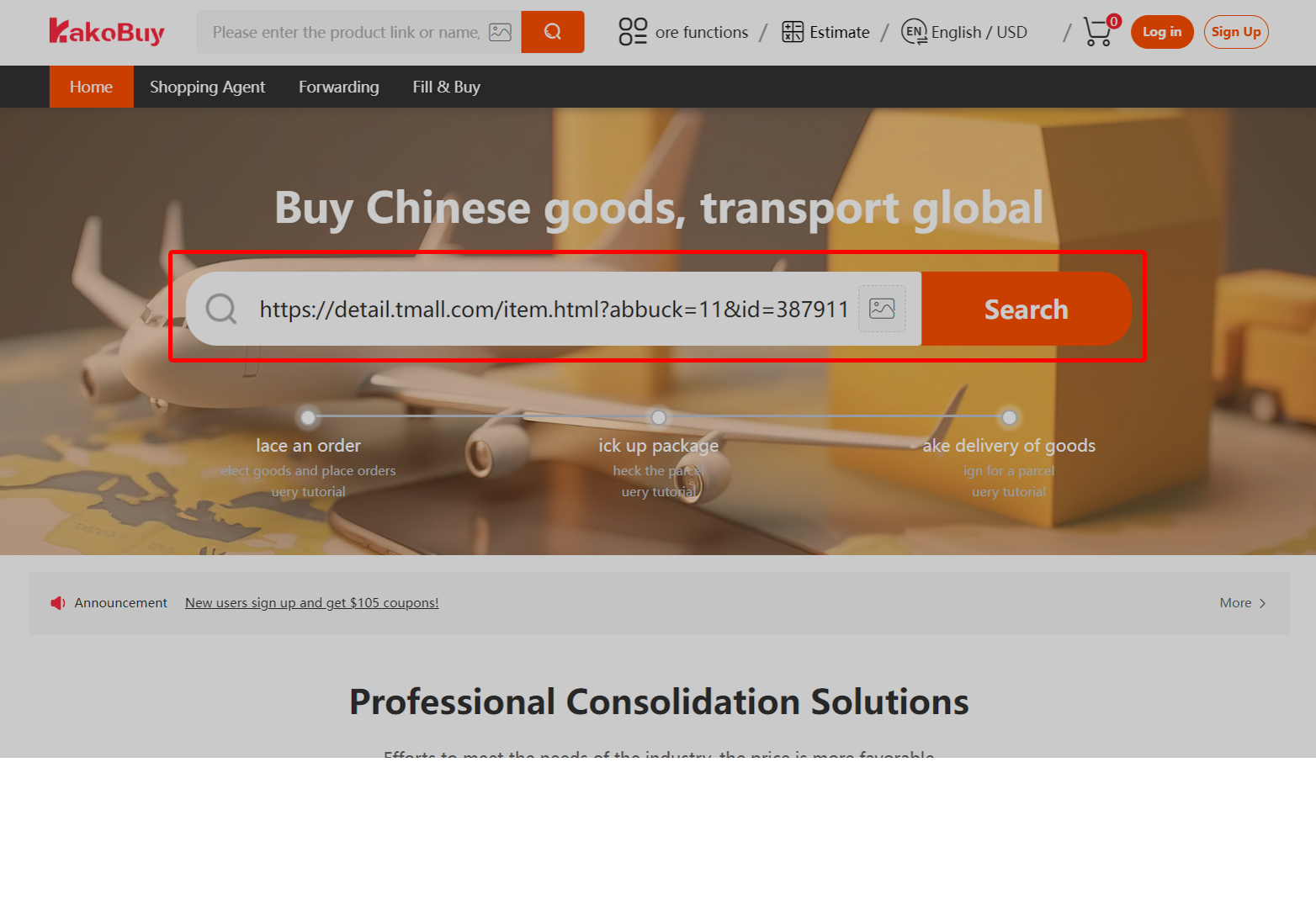
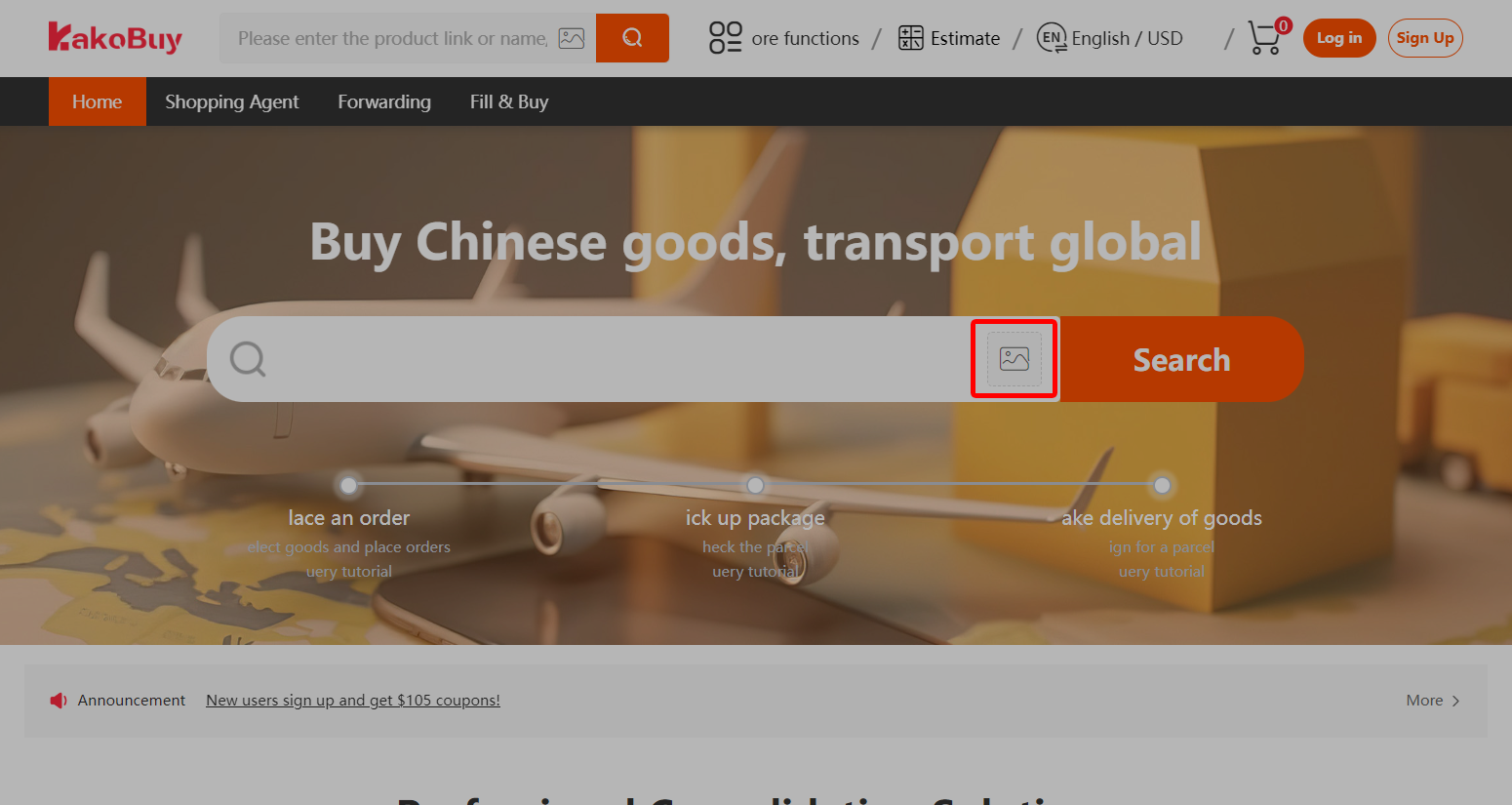
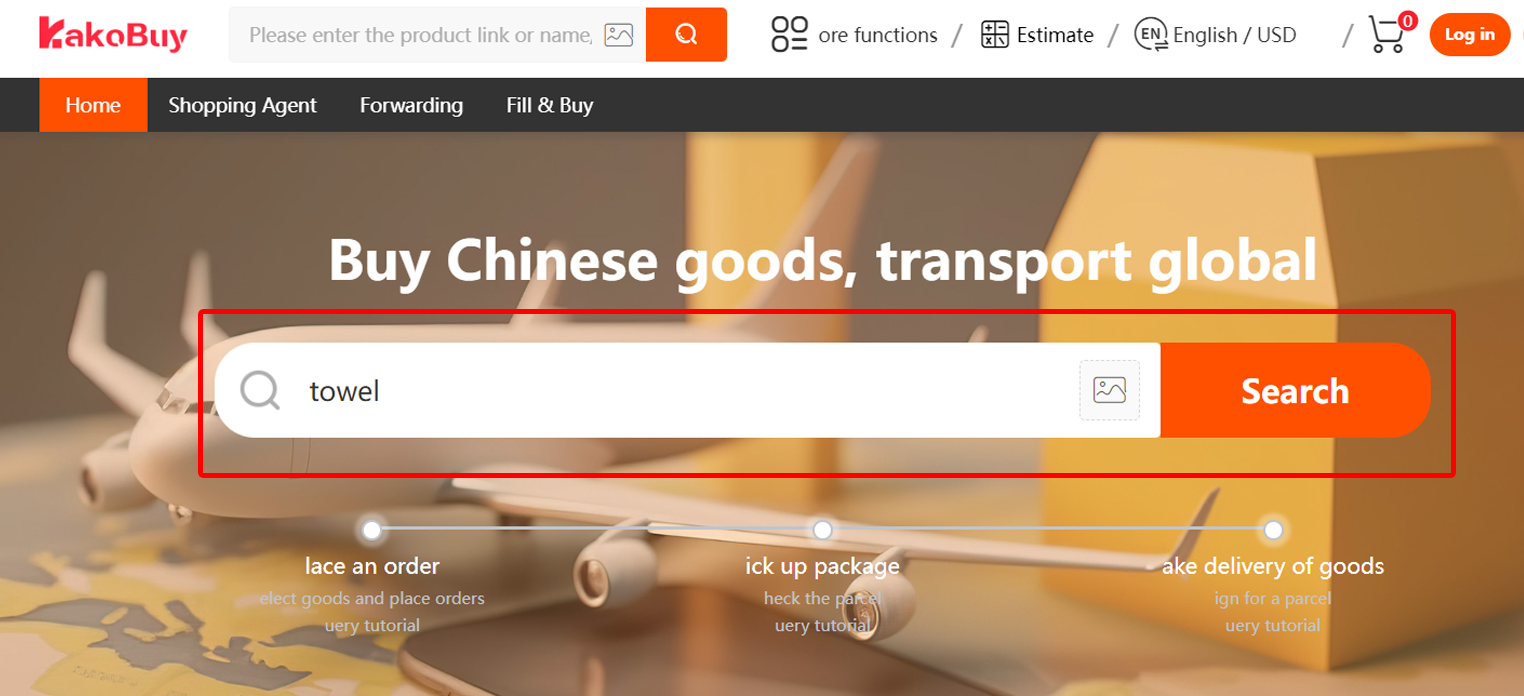
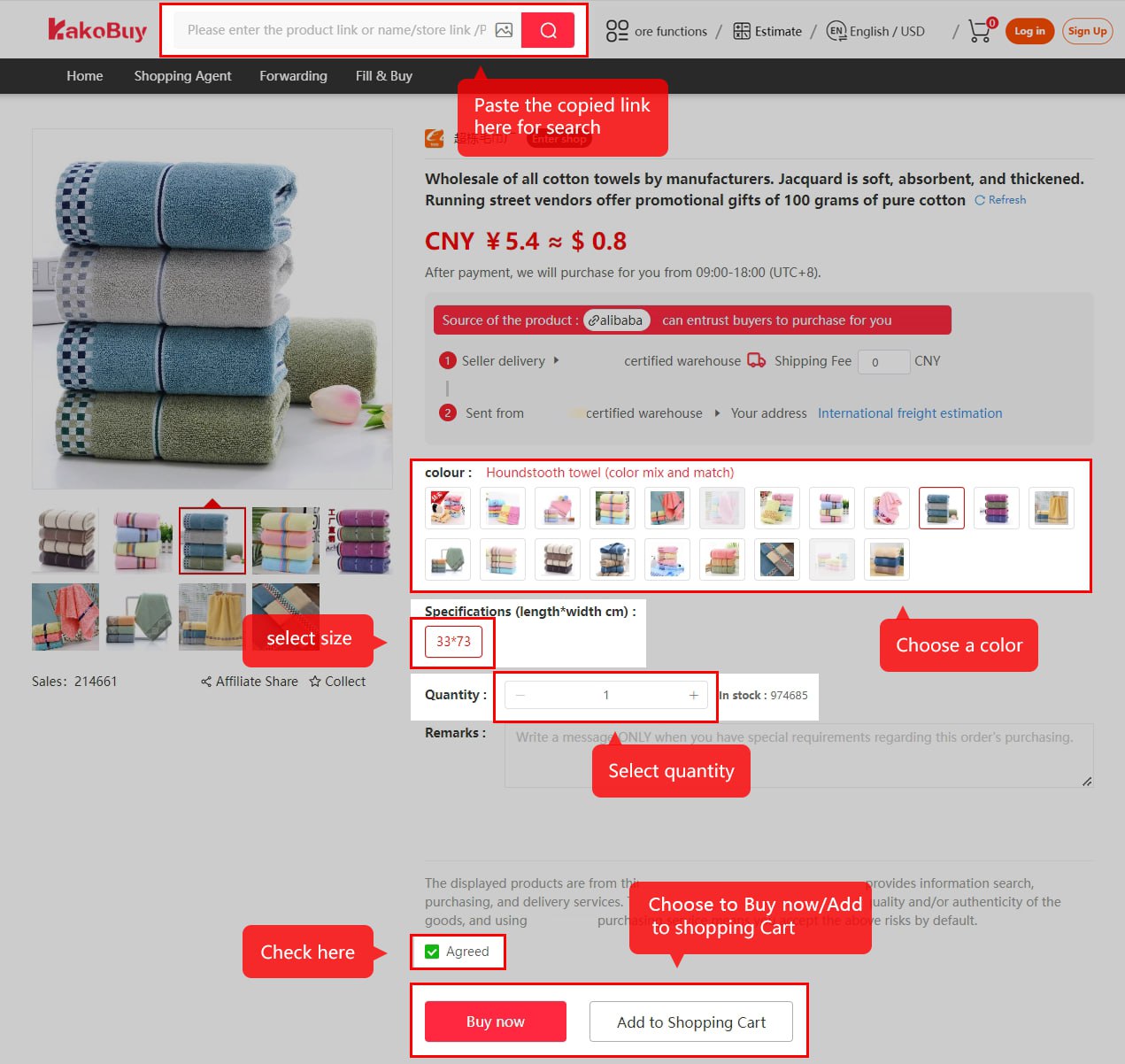
Select the product
Use a seller URL, image or keyword to find the item. Keep the exact chosen seller link; a repeated photo is not proof of a shared supplier. Check the current option text and what the quoted quantity includes. A high sales count helps you choose what to investigate, but does not confirm the stock or specification of that option.
Official step 2 / 8
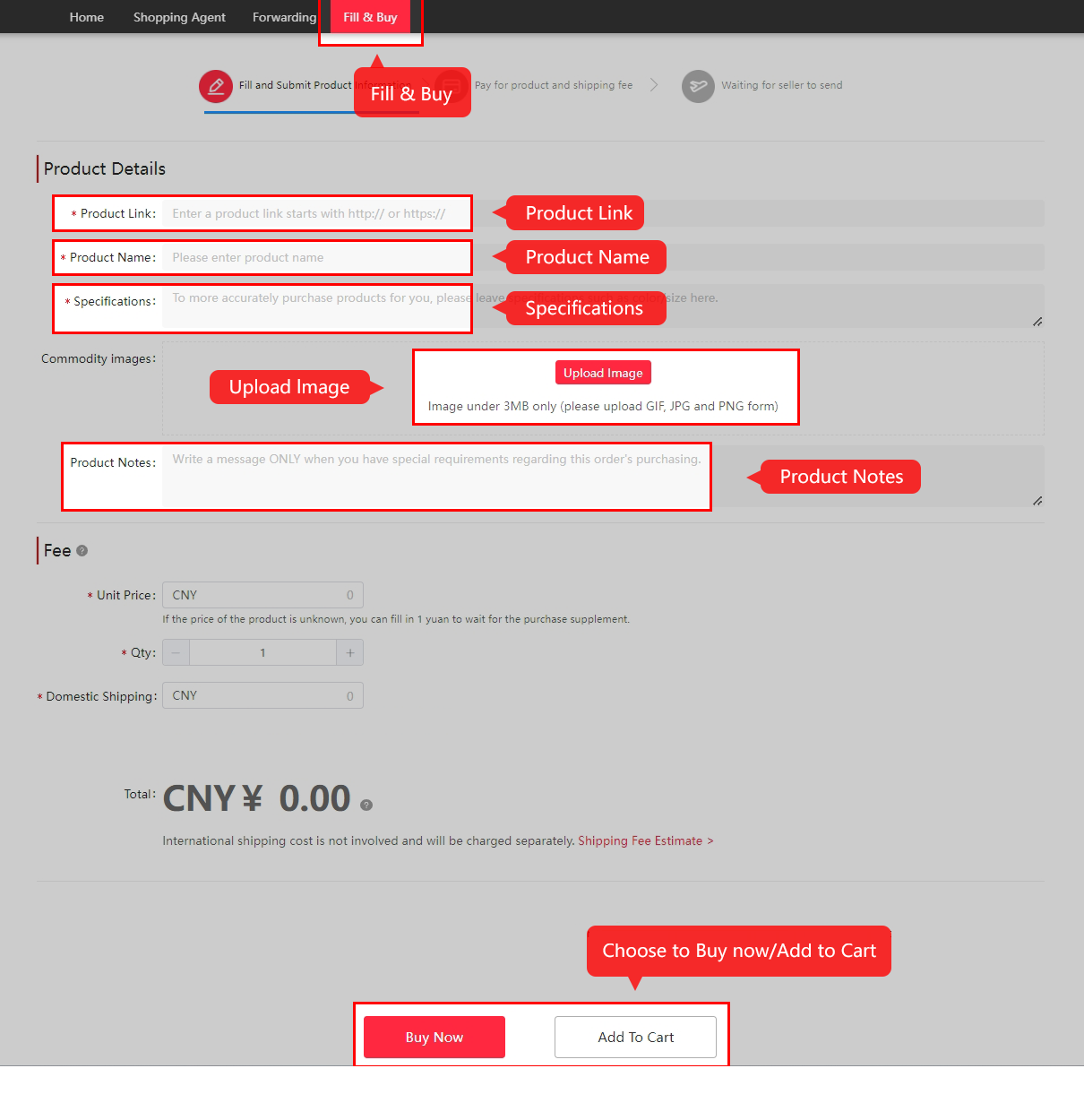
Submit the purchase request
Read the chosen variant, size, quantity and measurement chart. Put a necessary, specific request in the remarks, then confirm whether it can be fulfilled. A note alone does not override the seller’s terms. For an unreadable link, use the current manual form and check its separate service and cancellation restrictions before paying.
Official step 3 / 8
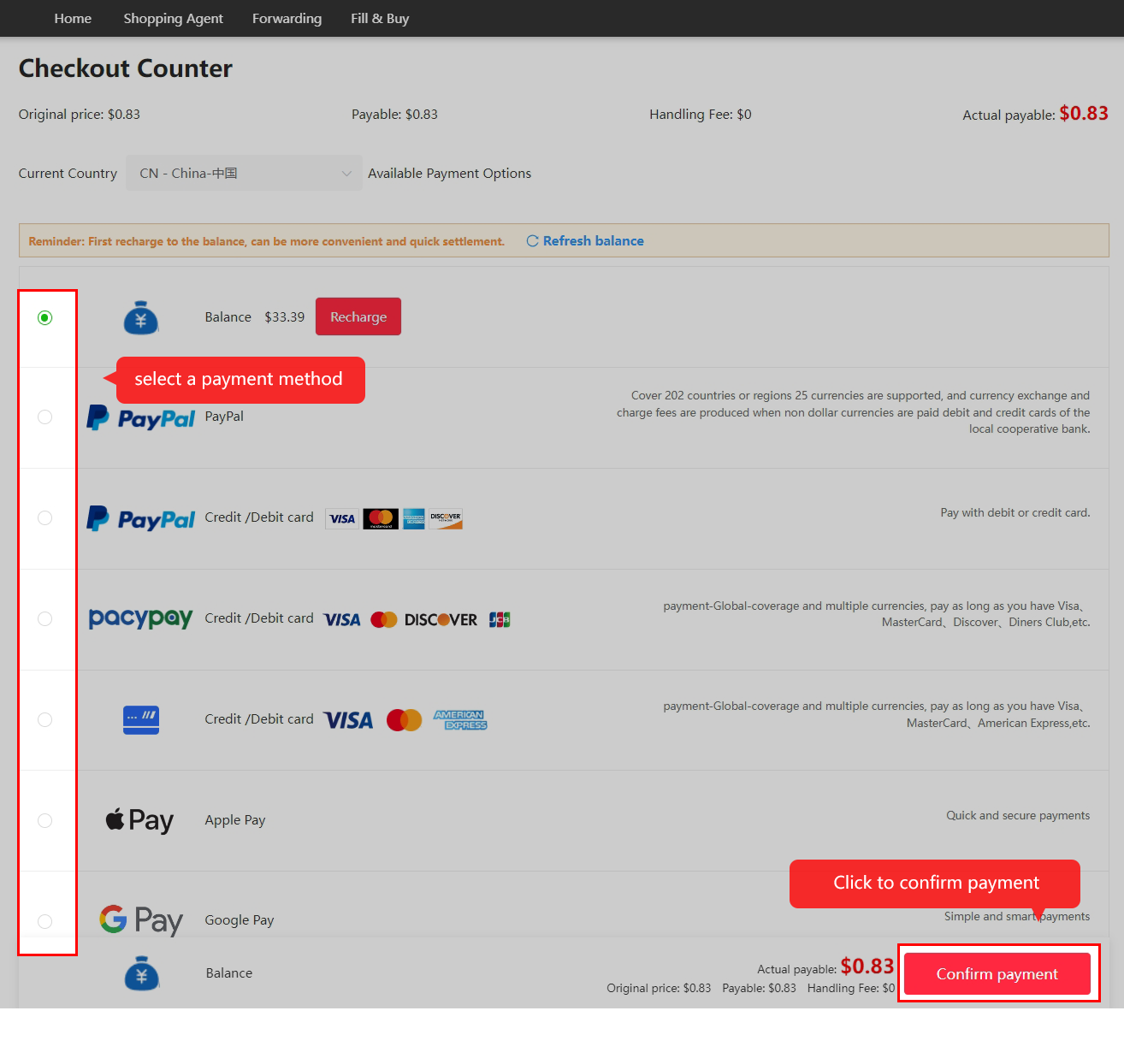
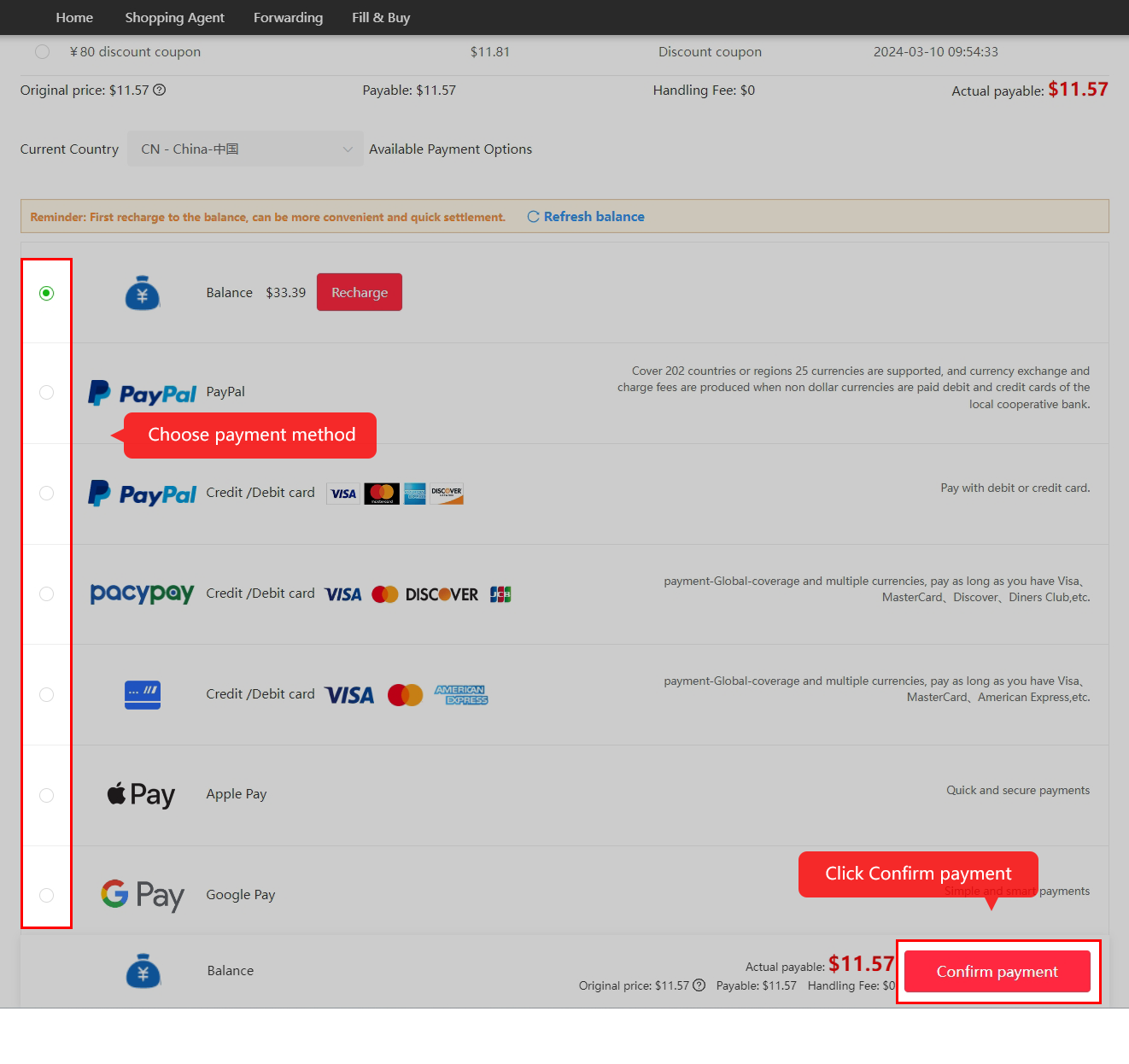
Pay for goods and domestic delivery
The first payment covers the purchase and seller-to-warehouse shipping. Review the actual amount, handling charge and credited balance. A large sales count does not settle the total cost.
Official step 4 / 8
Follow purchase and seller dispatch
Kakobuy reviews the request and buys from the seller. Read any stock or price-change message before accepting a substitute or extra payment. Review and transit times vary; older tutorial timings are not promises.

Official step 5 / 8
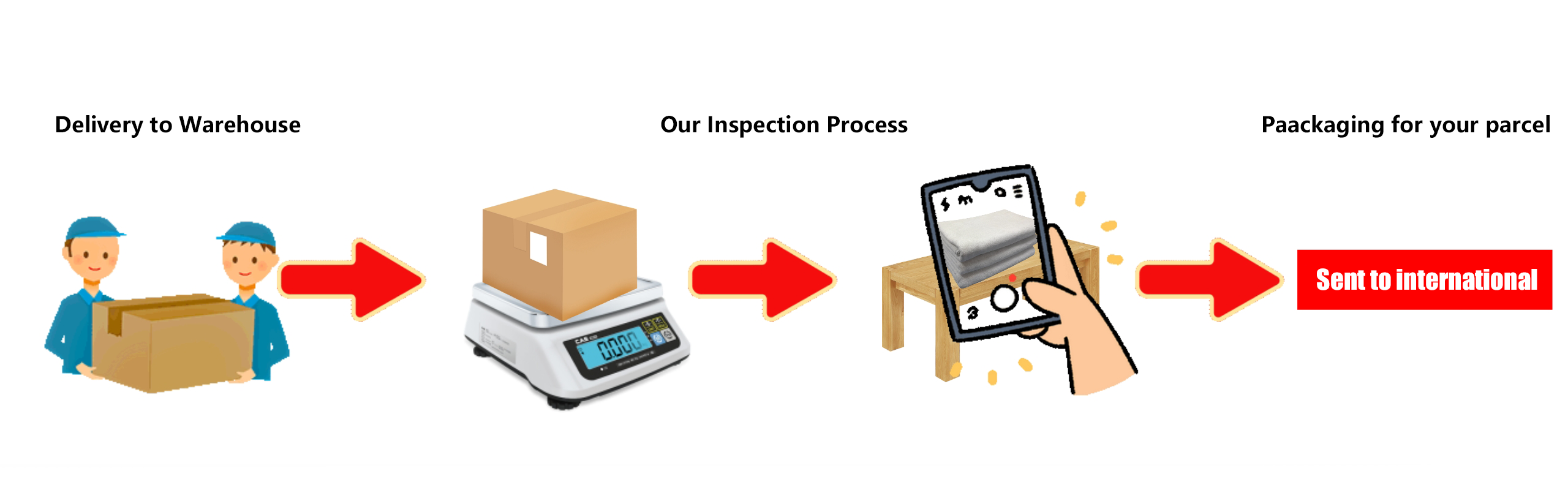
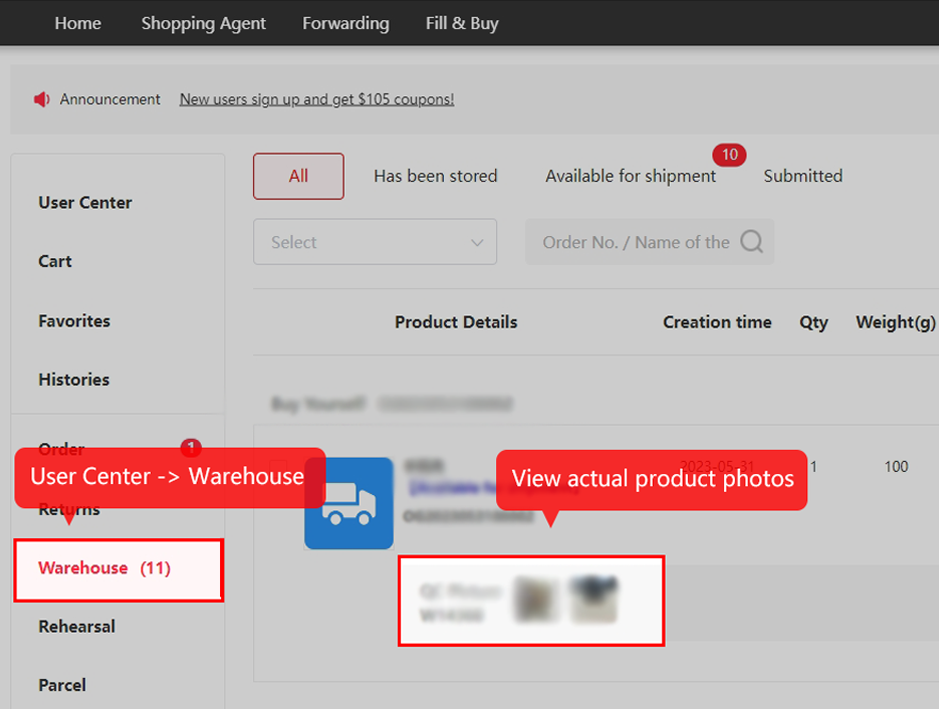
Inspect and store the item
Compare your item with the exact selected variant and order notes. If fit is unresolved, request the relevant measurement with the tape endpoints visible; a correct size label does not establish fit. Visual QC cannot prove function, every hidden defect or authenticity. Check eligible return terms promptly, because a photo request does not pause that clock.
Official step 6 / 8
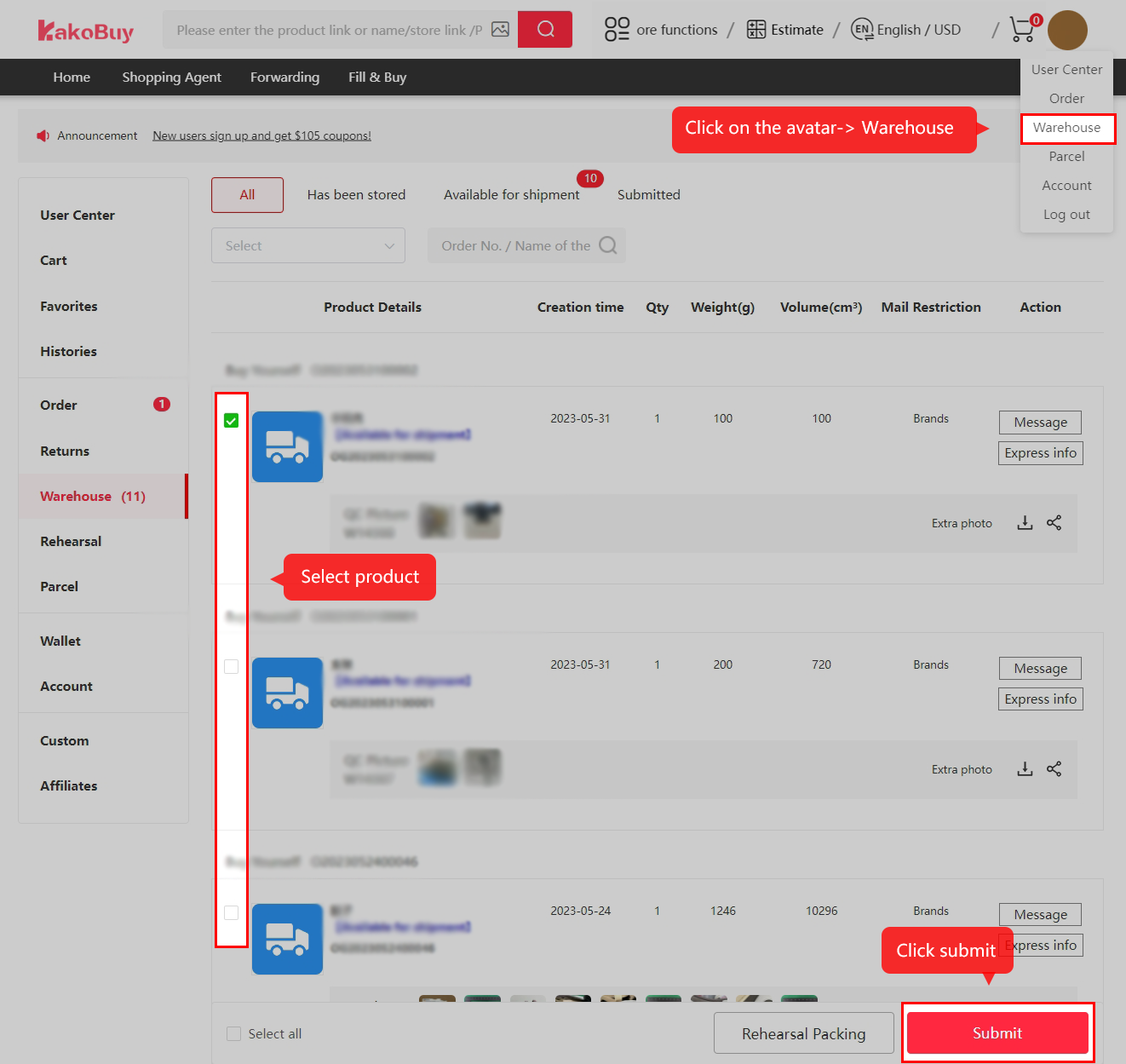
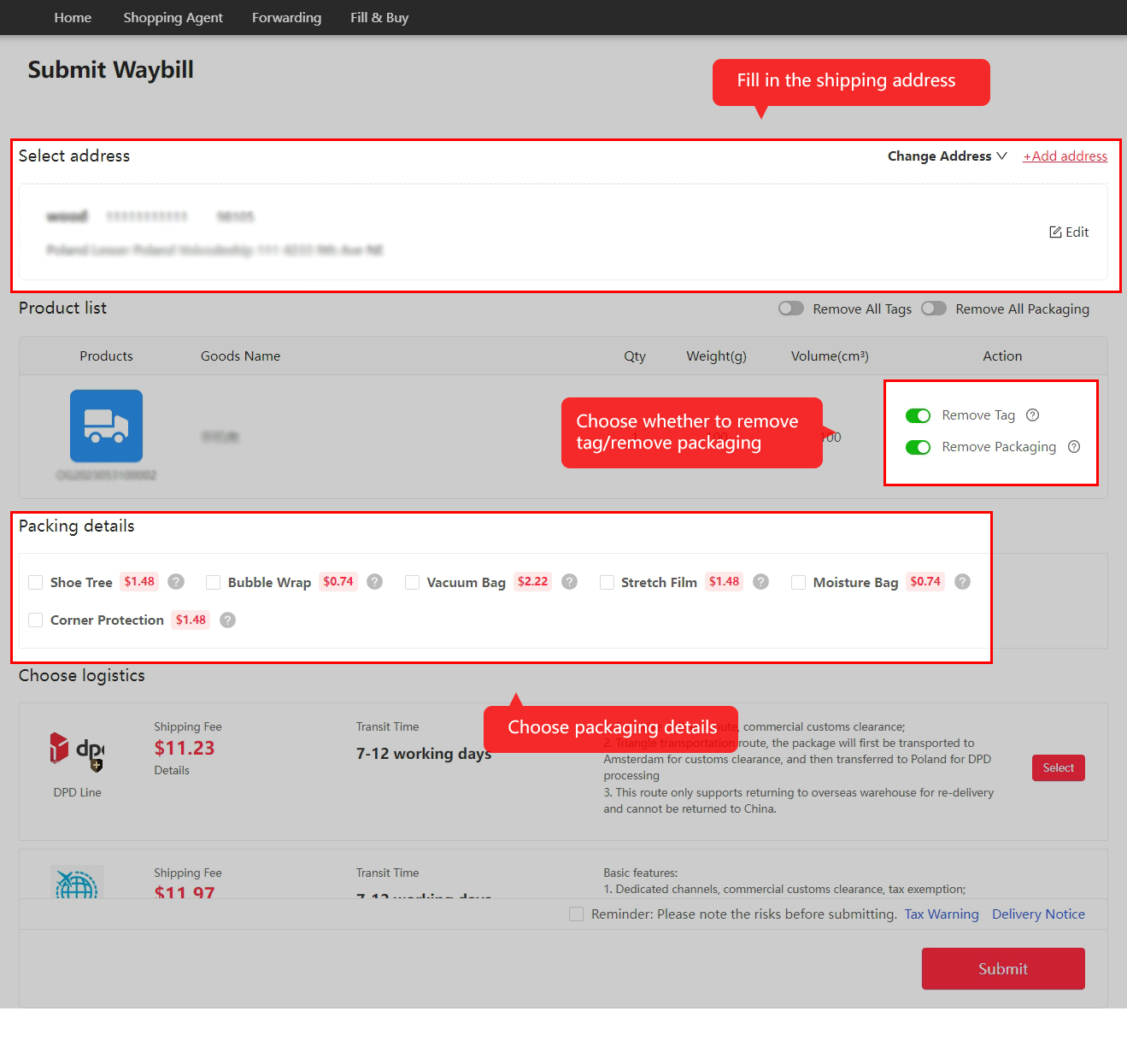
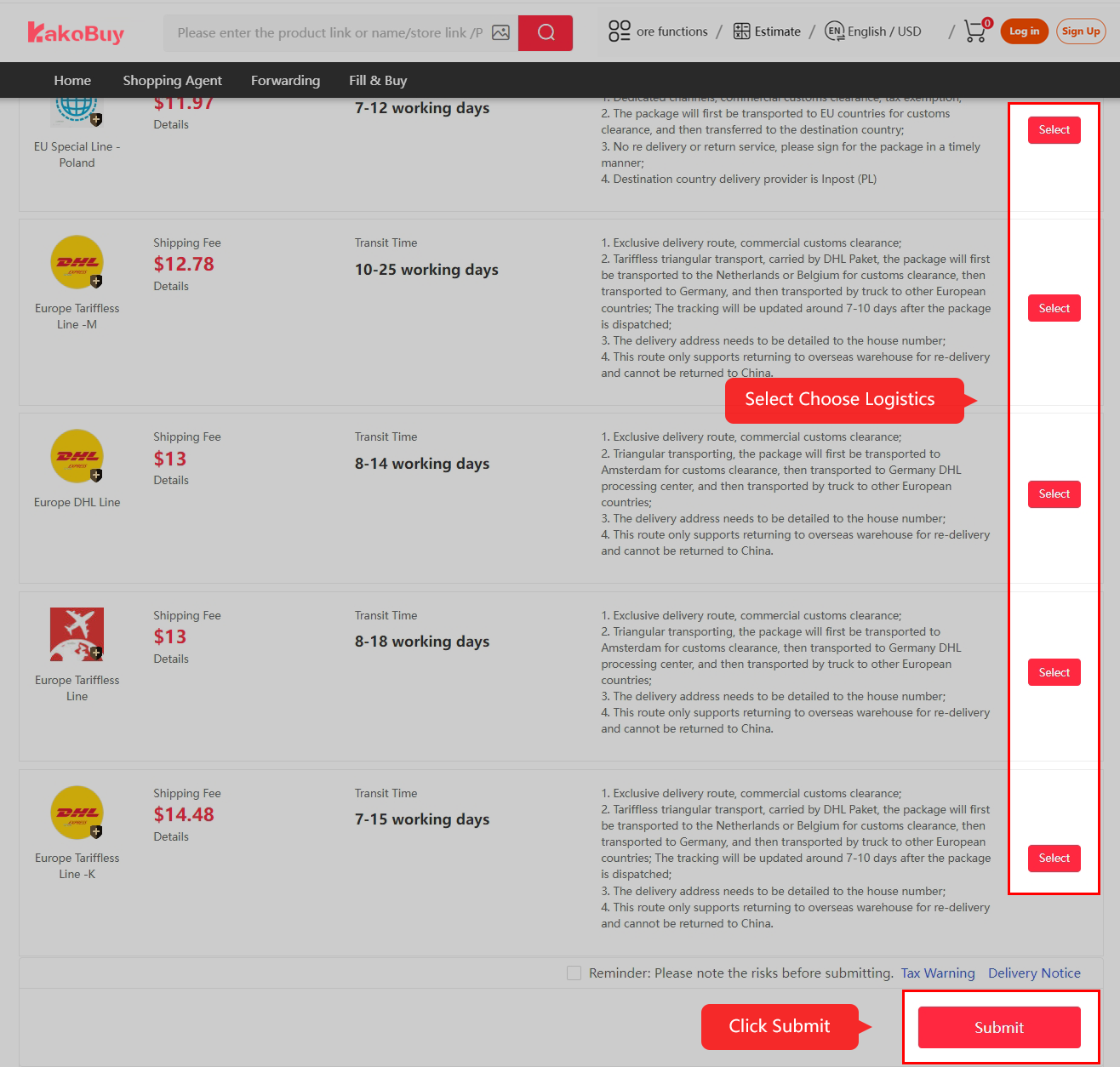
Submit and pay for international shipping
Select reviewed items, confirm the address and packing, choose an eligible route and review the second payment. For mixed contents, confirm acceptance of the entire parcel: a generic battery or liquid category is not approval for every item. Compare packed chargeable weight, protection, cover and coupon conditions. Popularity does not change those restrictions.
Official step 7 / 8
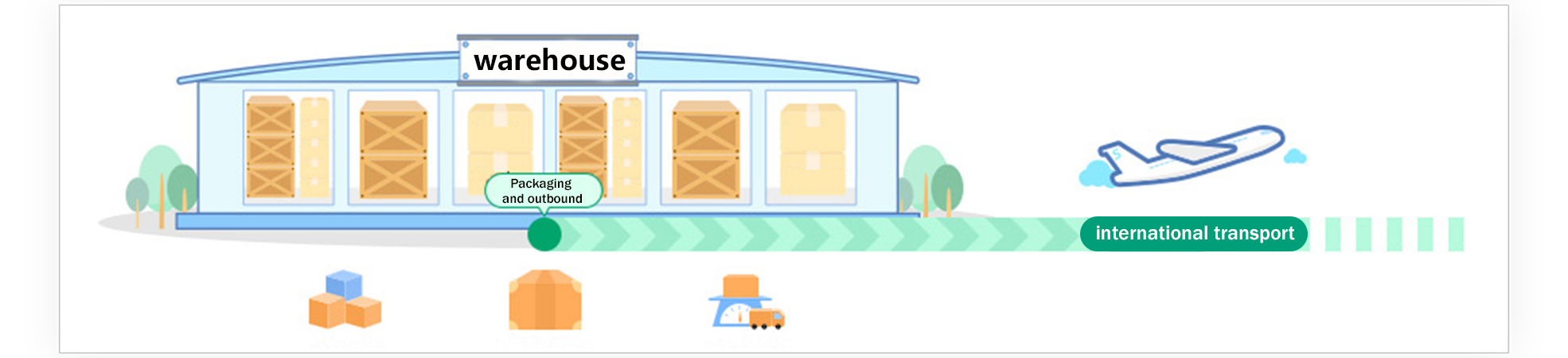
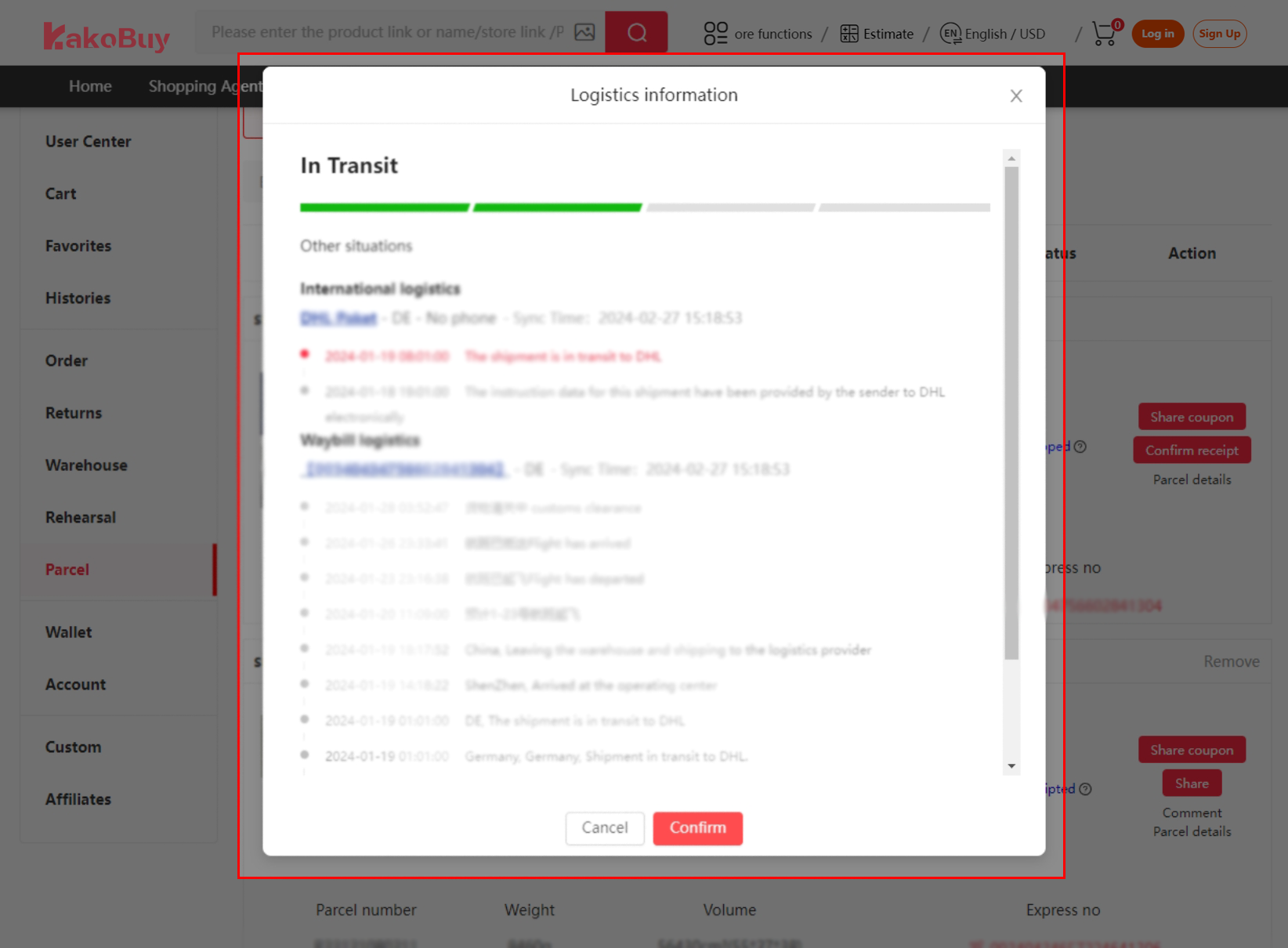
Follow packing and outbound tracking
The warehouse packs and dispatches the parcel. Read any final weight or balance adjustment, and use the actual tracking record when asking support about a delay.
Official step 8 / 8
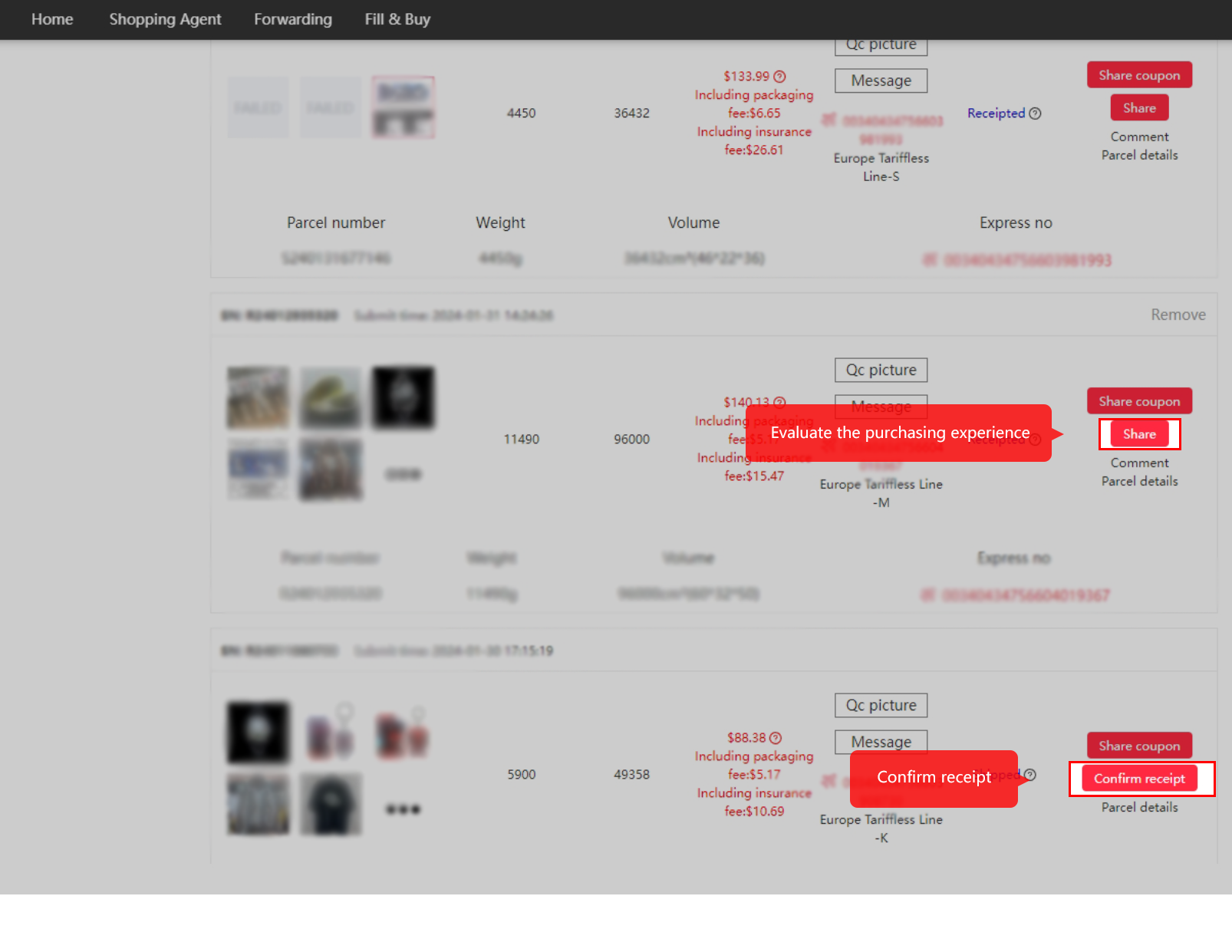
Check delivery and confirm receipt
Inspect the delivered parcel and contents before confirming receipt. Keep useful evidence and report a specific issue through the official order or parcel channel. A haul post comes after checking the goods.
Keep the listing beside the order
Before payment
Save the exact seller URL, chosen variant and the claim that matters. Resolve a size, set quantity or shipping question before treating a popular card as an order.
Build a Heat Check checklist →At the warehouse
Compare your item with the selected option and notes. If a visible detail remains unclear, request it specifically and check the applicable return deadline.
Read the inspection limits →